VISTA Platform · Before & After Studio
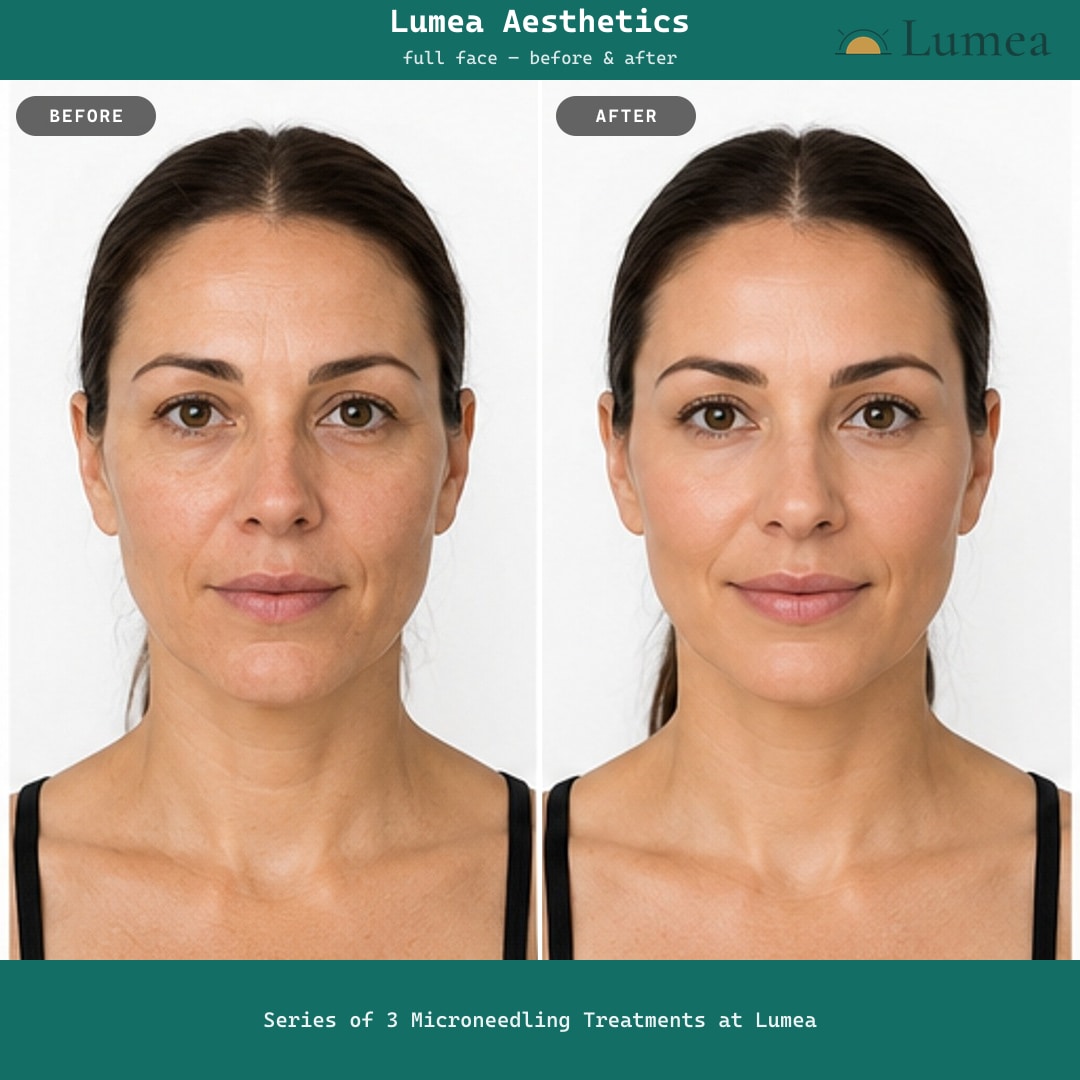
Taking the photos was never the hard part. Turning them into something you'd actually post is. VISTA builds the branded, correctly-sized before & after for you — without leaving the client's chart, and without exporting anything until the release is signed.
Every practice has the same graveyard: hundreds of good befores and afters sitting in charts, and a feed that hasn't been updated in weeks. Not from lack of results — from the ten minutes nobody has. Find the pair, crop them, line them up, add the logo, size it for the feed, remember whether that client signed a release.
Across the platforms we reviewed, the vendors' own documentation of that step usually ends at “download the file.” The finished asset gets built somewhere else, by someone who isn't the injector, days later — if it gets built at all. VISTA closes that gap inside the chart.

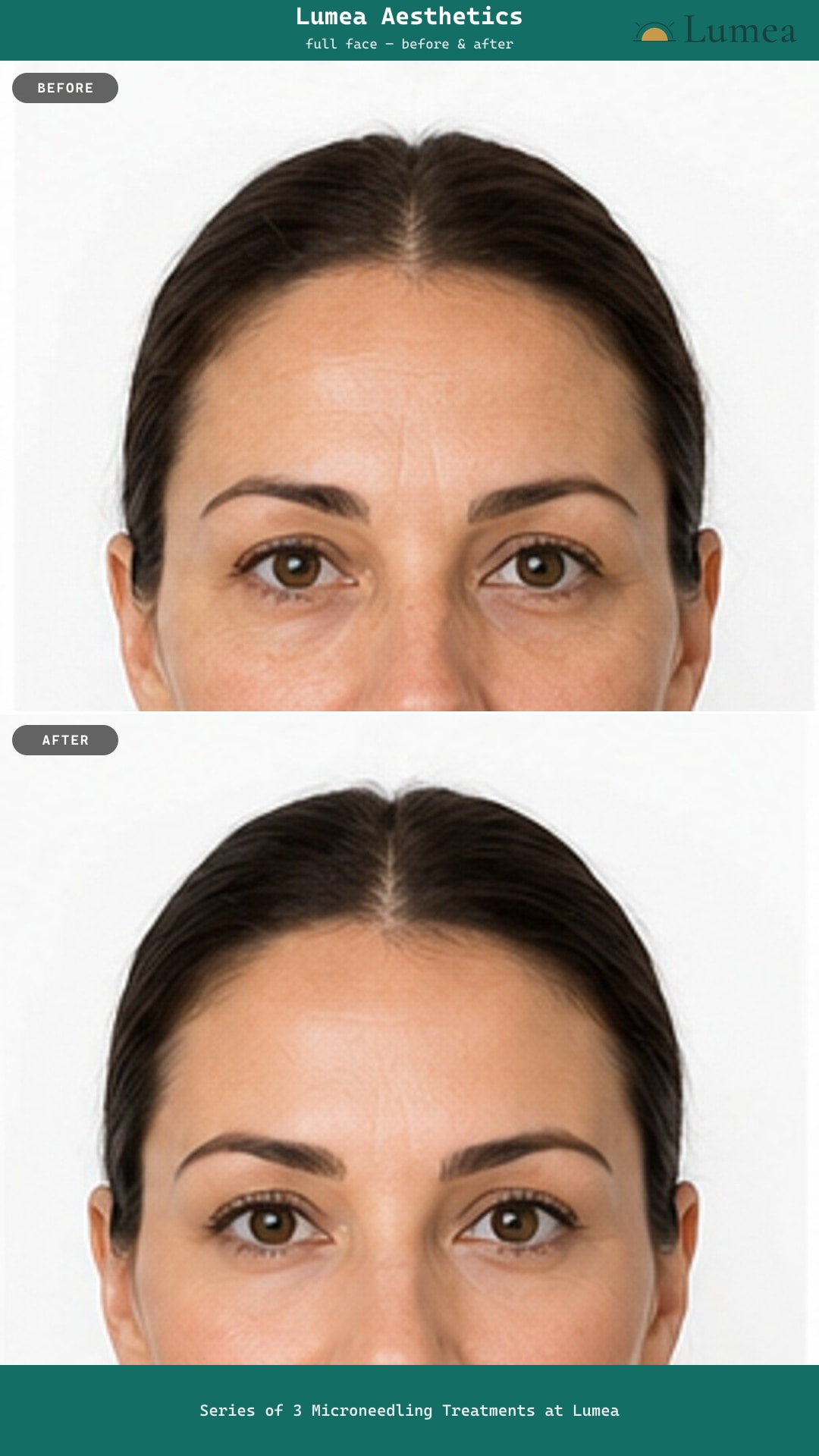
An actual VISTA export. Your practice name, logo, and brand colors come from your settings. Photos are AI-generated illustrations — not real patients or treatment results.
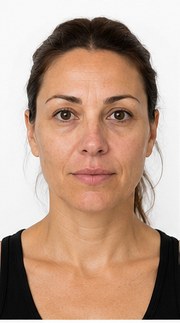
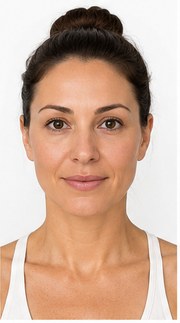
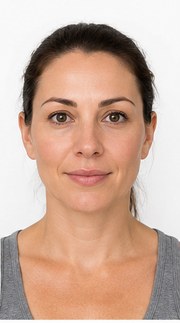
A client who came in for IPL in April, Botox in May, and microneedling in June didn't have three small transformations — she had one. So the studio gives you two independent columns: every before she's ever had on one side, every after on the other, each stamped with its date and treatment.
Pair April's baseline with June's result and you get the cumulative before & after that actually sells the next package. Or pair a single visit when that's the story. You choose — the software doesn't decide for you.
The studio: canvas on the left, every before and every after beside it. Photos are AI-generated illustrations.
Nothing undercuts a result faster than a side-by-side where the head is turned differently in each shot. When your team shoots on the iPad, they line the client up against a framing overlay, and VISTA stores which view it was alongside the photo.
So when you build the image, you can filter both columns to one angle and only see shots that genuinely belong together — front with front, profile with profile. The comparison holds up because the framing does.

Square for the feed, portrait, or a full-height story — pick the size before you export. Photos are AI-generated illustrations.
Collecting a photo release is the easy half. Remembering, eight months later, which client agreed to public use is where practices get uncomfortable — so the answer is usually to post nothing, or to rely on somebody's memory.
VISTA checks the consent record on the chart. If the client hasn't signed a photo release with a public-use opt-in, the export is blocked and the studio tells you why — it isn't a checkbox a staff member clicks past. Photos from a client who declined stay available for clinical use, and the studio won't build a marketing image from them.
Pick a pair and the studio tells you its release status before it will export. Photos are AI-generated illustrations.
Save a finished before & after and it lands back on the client's chart under its own tab. At her next visit it's already on screen — the most persuasive argument for the next series is the last one she paid for, and she's usually the first person who wants a copy.
And because it's part of the platform, there's no photo add-on line item and no per-seat math. Every staff member you add is included in the flat monthly price.
Saved before & afters on the client's chart. Photos are AI-generated illustrations.
In 30 minutes we'll load two of your own photos, pair them, brand them, and hand you the finished image — then show you the consent gate that decides whether it can be exported for marketing at all.